Dishwasher Not Starting? Safe Checks Before Service
Quick answer
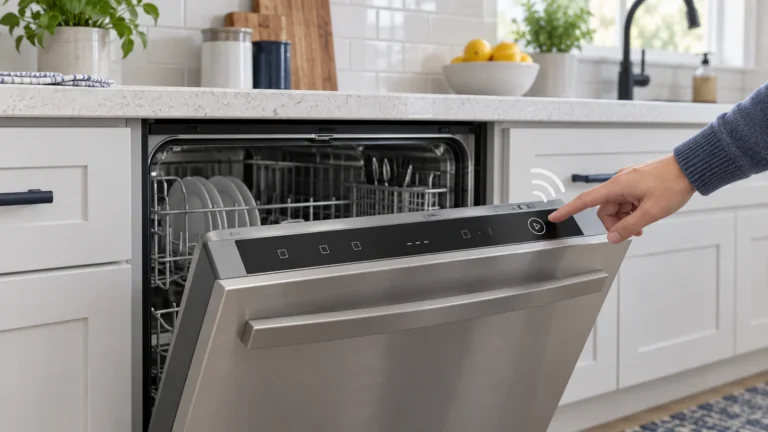
If your dishwasher will not start, first notice whether the control panel is completely dark, lights up but will not begin, blinks or beeps, or starts and then stops. That one detail narrows the problem quickly. Check household power, close the door firmly, cancel Control Lock or Delay Start, confirm the water valve is open, and try only the reset described for your model. Do not remove the door panel or bypass the latch. If the breaker trips again, the machine leaks, or you notice heat, smoke, a burning smell, sparks, or a shock, stop and arrange qualified service.
Water and electricity meet inside a dishwasher, so keep this diagnosis at the user-control level. Do not test live wiring, reach behind a hardwired machine, dismantle the door, or defeat the door switch. If there is water near electrical parts, a damaged cord or outlet, repeated breaker tripping, smoke, sparks, a burning odor, or even a mild shock or tingling sensation, cut power only if you can do so safely and contact an appliance technician or electrician.
| What the dishwasher does | Most useful first check | What to do next |
|---|---|---|
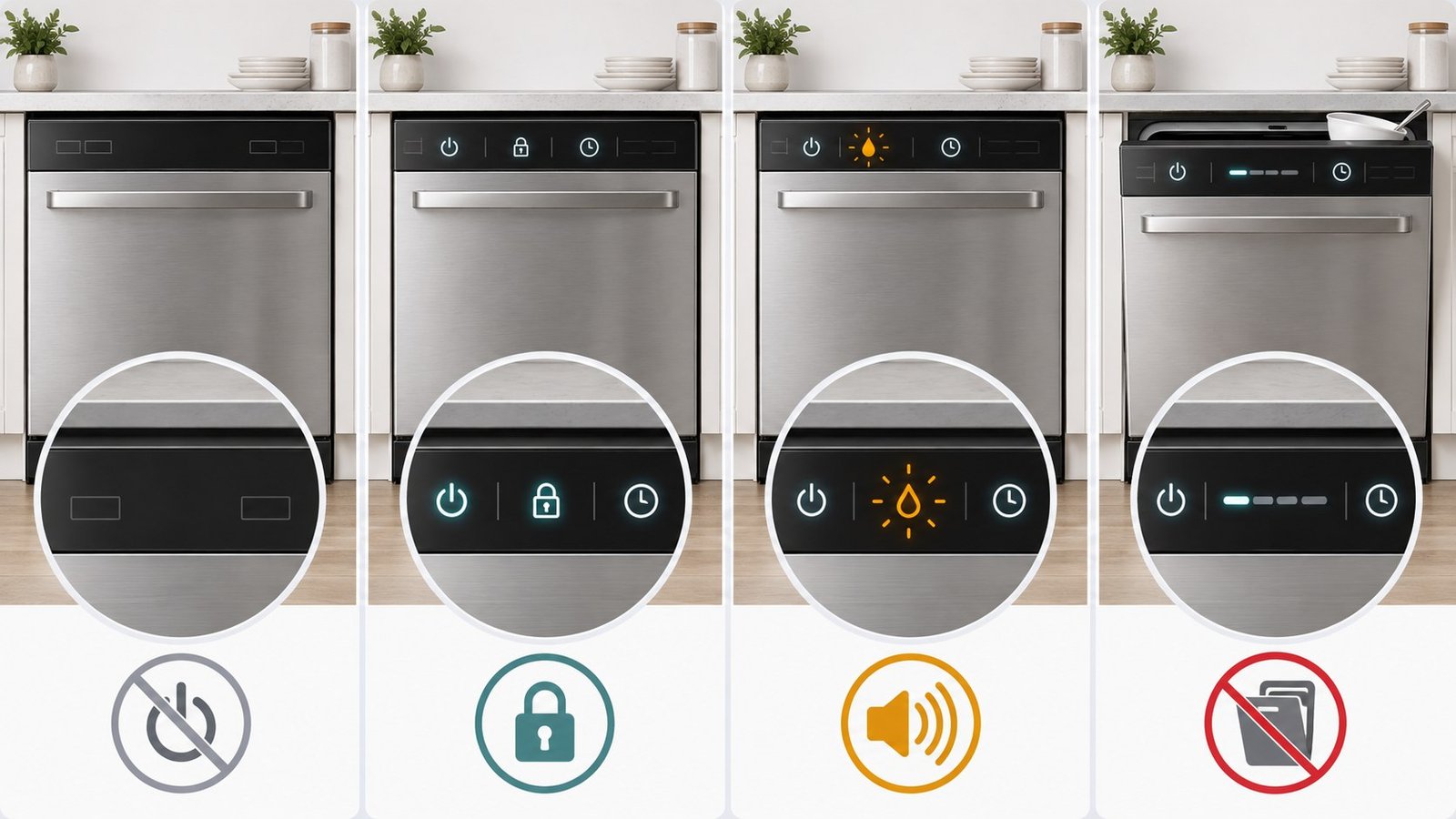
| No lights and no sounds | Confirm the kitchen has power and check the plug or breaker only if safely accessible | Restore power once. If the breaker trips again or the outlet is hot or damaged, stop and call for service |
| Lights are on, but the cycle will not begin | Look for Control Lock, Delay Start, Sleep, Sabbath, or Demo mode; then close the door firmly | Cancel the setting using the model manual and repeat the exact Start/door sequence |
| It blinks or beeps instead of starting | Read the display and note which light or code appears | Check the manual for that signal; do not assume every blinking light means the same failure |
| It starts, then stops | Check for a utensil or rack blocking the door and confirm the water valve is fully open | Correct the visible obstruction or supply issue; if it repeats, record the code and arrange model-specific support |
For a broader symptom route, see our Dishwasher Troubleshooting guide before assuming a failed part.
First, identify the exact “not starting” symptom
Stop before testing: If there is water near electrical parts, smoke, sparks, a burning smell, a shock or tingling sensation, or a breaker that trips again, do not run or reset the dishwasher. Cut power only if you can do so safely and contact a qualified technician or electrician. Otherwise, no tools are needed for this first check: watch whether the panel is dark, lit, blinking, or starts and then stops.
- Nothing lights up: Start with the power supply.
- The panel wakes up, but Start does nothing: Check the door, Control Lock, Delay Start, and the model’s start sequence.
- A light flashes or the machine beeps: Treat that pattern as information. Write down the light or code before resetting anything.
- The cycle begins and then stops: Check the door closure, water supply, and any displayed message.
This simple split prevents a common mistake: repeatedly resetting a machine that is actually waiting for a locked control, a delayed cycle, or a fully latched door.
If the control panel is completely dark
Make sure another light or small appliance in the kitchen works. Then check the dishwasher’s plug if it is visible and reachable without moving the appliance. Some dishwashers are hardwired, so do not pull the unit out or open an electrical box to look for a connection.
Next, look at the household breaker panel. If the dishwasher breaker is tripped and there is no sign of water, heat, damage, or burning, reset it once. A breaker that trips again is not an invitation to keep trying. The U.S. Consumer Product Safety Commission advises treating repeated trips, shocks, and hot or damaged electrical equipment as warning signs that require repair.
If the dishwasher shares a wall switch with the garbage disposal area, make sure the correct switch has not been turned off accidentally. Never guess by repeatedly flipping switches if an outlet feels hot or the wiring arrangement is unclear.
If the lights are on but the dishwasher will not start
Power at the panel means the problem may be a setting or an incomplete start sequence rather than a dead appliance. Check these in order:
- Control Lock or Child Lock: Look for a lock symbol or illuminated control-lock indicator. The release method varies by model, so use the button combination in the owner’s manual rather than holding random keys.
- Delay Start: A clock icon, time value, or delay light may mean the machine is waiting. Cancel the delay using the model instructions.
- Sleep, Sabbath, or Demo mode: Some models use these modes and may not respond normally until the correct sequence is entered.
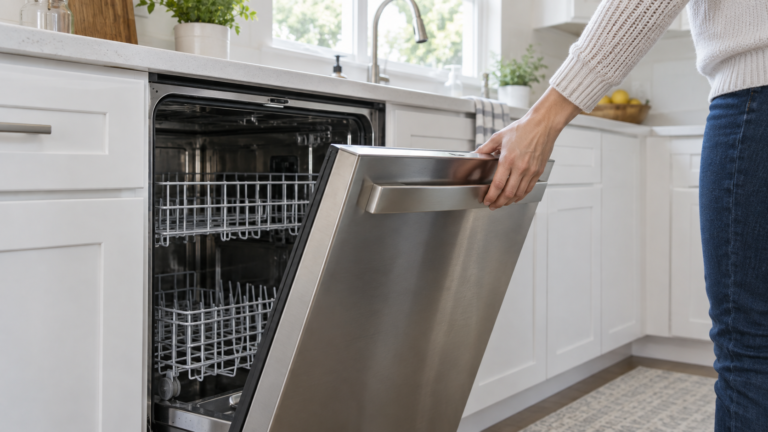
- Door closure: Open the door, remove anything touching the racks or tub edge, and close it firmly. Do not slam it. A tall pan, protruding utensil, shifted rack, or detergent item can keep the latch from engaging.
- Start sequence: Certain models require Start to be pressed before the door is closed; others expect the door to be closed first. GE, Bosch, Whirlpool, and KitchenAid all direct owners to their model instructions because the sequence and indicators vary.
If the door feels misaligned, the latch is visibly broken, or the door must be lifted or forced to make the panel respond, stop. A door switch is a safety device and should not be bypassed.
Check the water supply without taking anything apart
A dishwasher may power on yet fail to begin normally when it cannot receive water. Find the shutoff valve only if it is visible and easy to reach, commonly under the sink. Confirm that it is fully open and that the supply line is not sharply kinked. If the cycle begins but no water enters, use the dishwasher not-filling guide instead of repeating start resets.
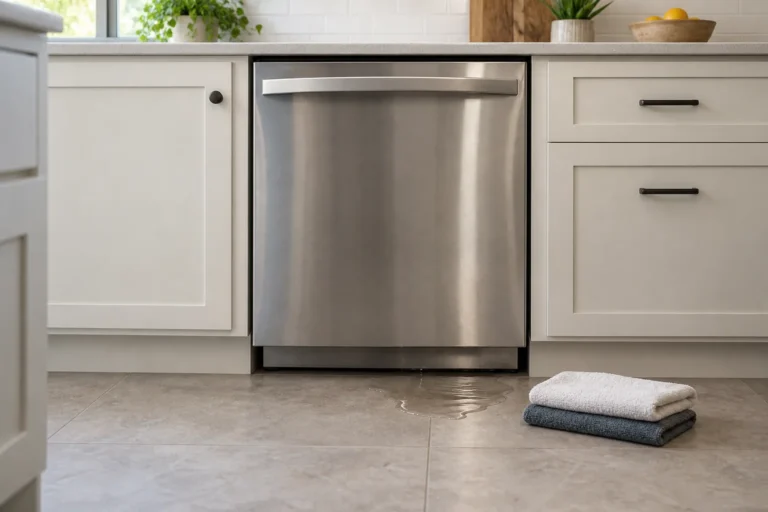
Do not disconnect the hose, loosen fittings, or pull the dishwasher out as a general first step. If the valve is stuck, corroded, leaking, or difficult to identify, leave it alone. Water around the appliance changes the task from routine troubleshooting to a leak and electrical-safety issue.
If water appears beneath the machine, turn to our guide for a dishwasher leaking from the bottom instead of continuing to start cycles.
Read a blinking light or beep before resetting it
A blinking Start light may indicate an open door on one model, while another model may use a similar pattern for a selected option or fault. The safest useful move is to record exactly what happens:
- Which light blinks?
- Is there a letter-and-number code?
- How many beeps occur?
- Does the signal appear before or after the door closes?
- Did the behavior begin after a power interruption or control change?
Search the owner’s manual using the full model number, not just the brand. A photo of the display can help if the signal disappears later. Avoid clearing the code repeatedly before you know what it means; the original symptom is valuable information for support or a technician.
Try one model-approved reset
If the controls appear confused after a brief power interruption and there are no safety warning signs, one reset may help. Manufacturer instructions differ: some models use Cancel, some specify a button sequence, and some direct the owner to disconnect power for a particular time.
Use the reset procedure in your owner’s manual or the manufacturer’s support page for the exact model. Restore power once and try an empty normal cycle. If the same symptom returns, do not continue cycling the breaker or repeating resets. The reset did not remove the underlying cause.
What to do when it starts and stops
When the dishwasher begins but quits shortly afterward, reopen it only after it is safe and quiet. Check whether a rack, utensil, or dish kept the door from closing completely. Confirm that the visible water valve is open, then look for a code or flashing indicator.
If the machine actually completes a cycle but dishes remain dirty, that is a different problem. Use our guide to a dishwasher not cleaning dishes for filter, loading, spray-arm, and detergent checks.
A repeated start-stop pattern with no visible obstruction may involve a latch, sensor, water inlet, control, or model-specific protection system. Those possibilities cannot be confirmed safely from the outside, so record the model number and symptom rather than buying a part based on a generic list.
When to stop and call for help
Arrange qualified service when the safe checks above do not restore normal operation, or immediately when you find any of these conditions:
- the breaker trips again after one reset;
- an outlet, plug, cord, or switch is hot, scorched, loose, or damaged;
- you feel a shock or tingling sensation;
- there is smoke, sparking, or a burning or melting-plastic smell;
- water is near the cord, outlet, junction area, or controls;
- the door, hinge, or latch is visibly damaged or must be forced;
- the display shows a persistent code that the manual directs to service;
- the dishwasher is hardwired and the connection is not safely accessible.
Do not remove the toe kick or door panel, test live components, bridge a switch, or replace a control board as part of a general online checklist. Those steps require model-specific procedures and can create shock, fire, flood, and warranty risks.
Make the service call more useful
Before contacting the manufacturer or a technician, collect the model and serial number, the exact panel behavior, any code, and what changed just before the problem began. Note whether the machine is silent, beeps, fills, drains, or stops at the same point each time. That short record is more useful than saying only that the dishwasher “doesn’t work,” and it reduces the chance of ordering the wrong part.
If a GE dishwasher gives exactly three beeps and will not start, use the GE dishwasher three-beep guide to separate that signal from the broader no-start routes above.
Sources
- Whirlpool: Dishwasher Not Starting or Not Operating
- GE Appliances: Dishwasher Will Not Start or Run but Has Lights or Sound
- KitchenAid: Not Starting or Operating—Dishwasher
- Bosch: Dishwasher Troubleshooting
- Frigidaire: Dishwasher Not Starting
- Miele: Dishwasher Will Not Start
- U.S. Consumer Product Safety Commission: Home Electrical Safety Checklist